AI that understands
what's on your screen.
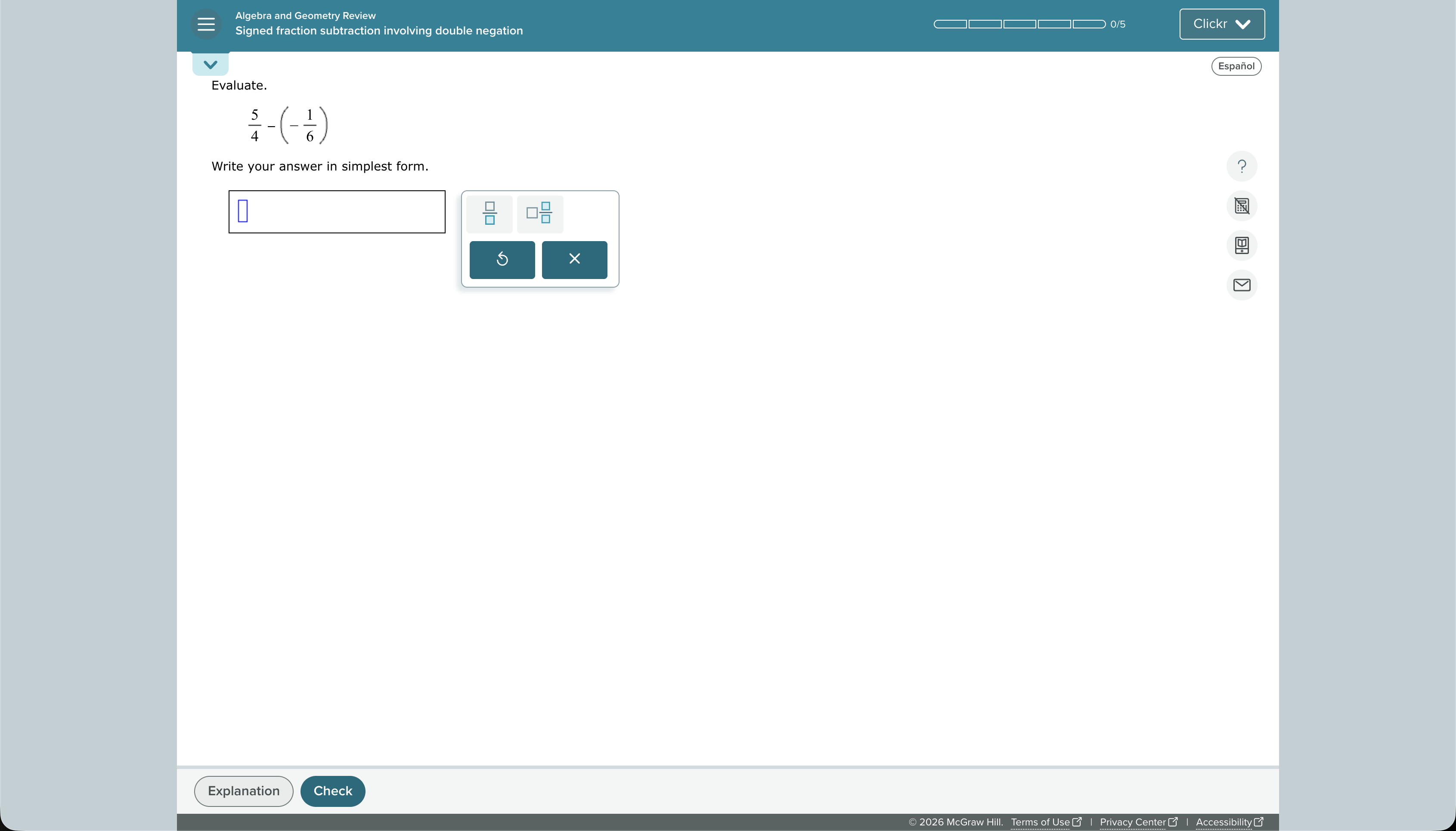
Clickr sees what you see, understands what you need, and helps you get things done without leaving your workflow.

 Clickr•Regular



See it. Ask it.
Get it done.
Clickr works from the context already in front of you, helping you get answers without leaving what you're doing.
Clickr sees your screen
Clickr understands the context of what you're looking at, so you don't have to explain everything from scratch.
Ask Clickr
Ask questions, get explanations, or tell Clickr what you want to accomplish using the context already on your screen.
Keep moving
Get the help you need without constantly switching tabs, copying information, or breaking your flow.
Your screen is
the context.
Instead of constantly moving information between apps, Clickr works with what's already in front of you.
Screen Understanding
Clickr understands what's on your screen so you can ask questions without explaining every detail.
Smart Assist
Give Clickr a task and let it help you work through the next step using the context around you.
Ask Anything
From quick questions to detailed explanations, talk to Clickr naturally about what you're doing.
Always Within Reach
Keep Clickr available without taking over your workspace or forcing you into another app.
Fast by Design
A lightweight interface built to get out of your way and keep your workflow moving.
Works With Your Workflow
Research, study, create, code, or work. Clickr adapts to whatever is already on your screen.
Wherever you work,
Clickr can help.
Students
Understand problems, research faster, and get help while keeping your notes, assignments, and learning materials in view.
Developers
Understand errors, documentation, and unfamiliar code without constantly switching between your editor and a browser.
Creators
Work through ideas, research references, and creative tasks while keeping your tools and inspiration right in front of you.
Professionals
Turn the information already on your screen into useful answers, explanations, and next steps.
Your screen already has
the context.
Let Clickr turn that context into answers, assistance, and progress without making you leave what you're doing.